
Tech Precons will consist of seven parallel workshops focused on hands-on work with AI. They will take place in smaller groups and will be highly interactive—rather than presentations, the focus will be on solving specific scenarios and real-world cases.
 · Pavol Hejný · Kutil · Jares · Kopecký
 · Sterner · Lagerquist · Štěpán Rešl
 · Dvornák · Malovcová · Špilka · Kužela · Němeček · Poloni · Tomáš Kubica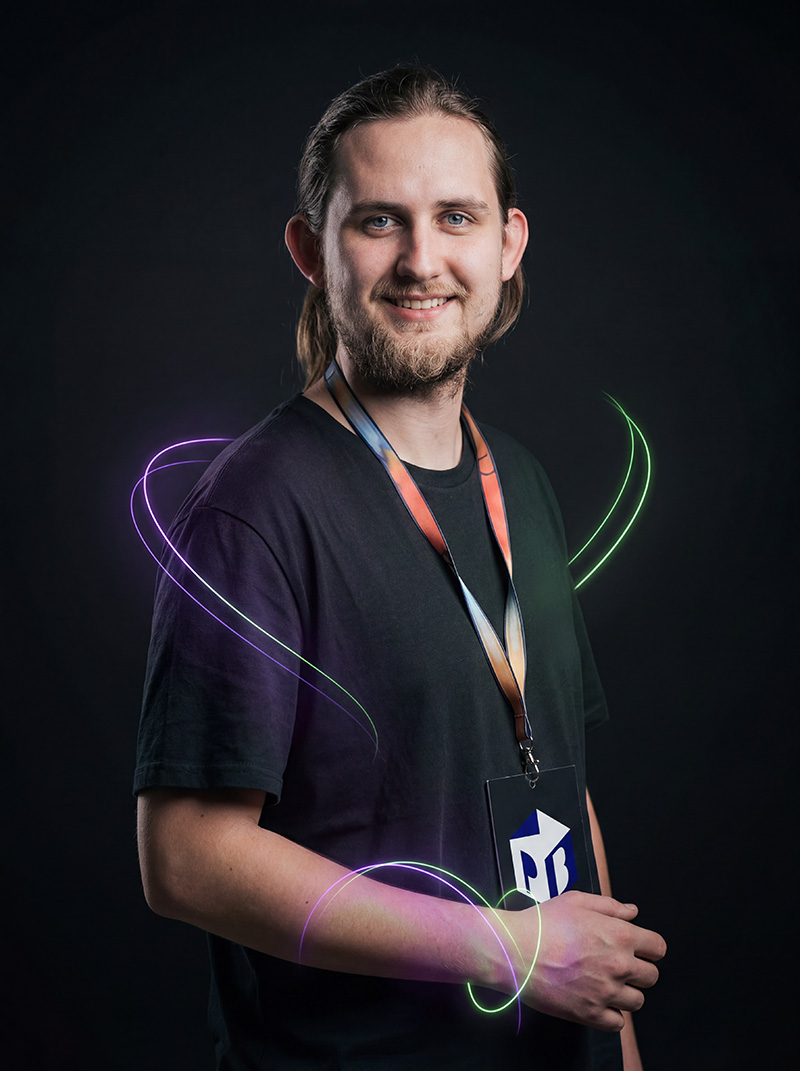
Then you fix one bug and three more show up. One agent fixes something, another starts fixing its fixes, and pretty soon nobody really knows how the system is supposed to behave anymore.
And sometimes the fastest way forward is to throw out the repo and start over. This time with a spec.
AI is fundamentally changing the economics of development: writing more code keeps getting cheaper. Precisely describing what should exist, why, and under what rules keeps getting more valuable.
Code is getting cheaper. Specs are getting more expensive.
Whoever understands that shift wins.
Developers — you vibe-coded a project that eventually fell apart in your hands.
Tech leads and architects — you lead a team building with AI and spec debt grows faster than you can review.
Founders and PMs — you build with AI yourself and want it to survive contact with production.
Spec framework from idea to acceptance.md and plan.md
Rule sets for all phases: ideation, design, build, review, audit
By end of day: git init, worktrees, first commit — not a plan, a running repo
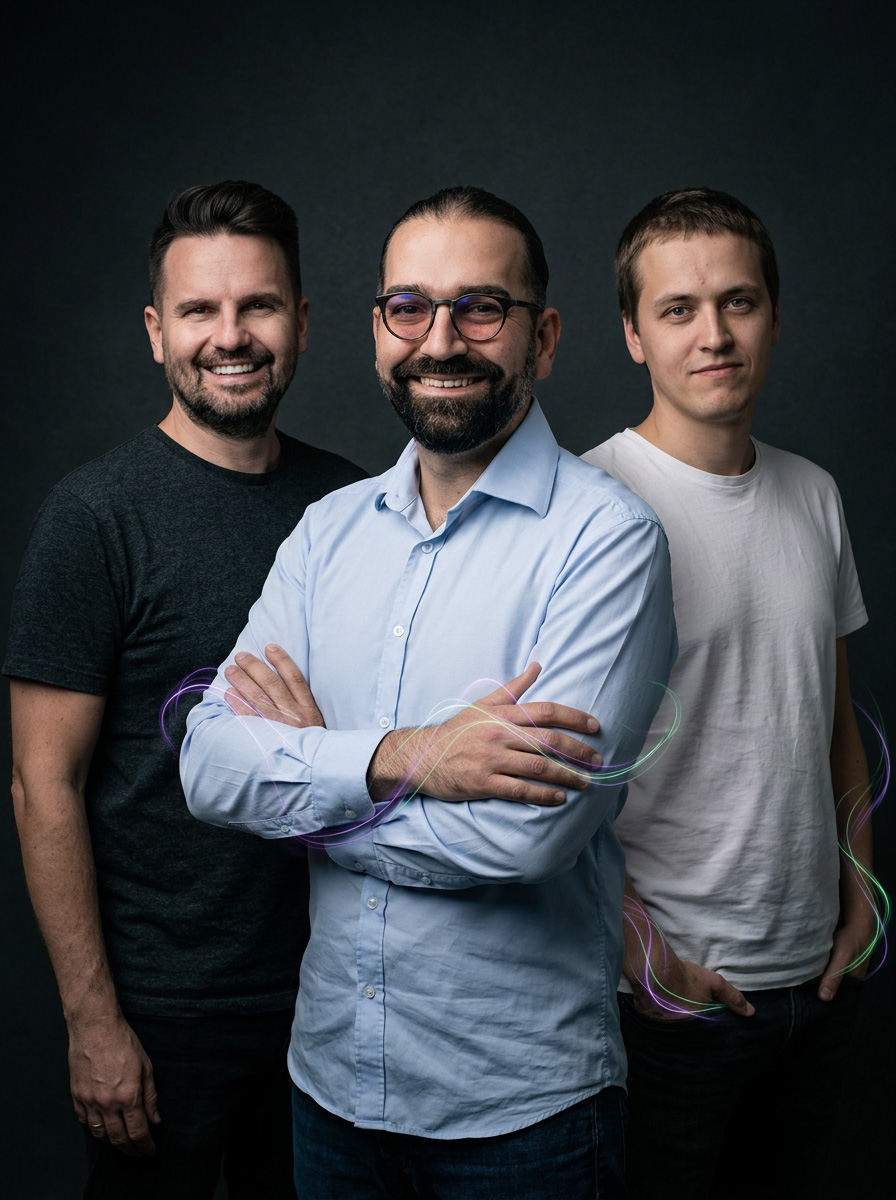
This workshop covers the full range: from click-based UI and no-code agents, through search and data analytics, to your own ADK agent deployed to production.
A laptop is all you need - we'll provide the licenses and accounts for Gemini Enterprise.
Business professionals and Workspace power users - you want to know what you can automate in Gemini across Gmail, Docs, Sheets, and NotebookLM without writing a single line of code.
Developers and AI engineers - you want to know what ADK and Agent Studio can actually do, not what the changelog says.
Enterprise architects and IT admins - you are mapping Gemini across Workspace, Enterprise, and Business, and need to walk the whole path.
AI leads and managers - leadership keeps asking "what are we doing with Gemini?" and you want a well-grounded answer - including an overview of pricing and licensing.
An overview of Gemini across Workspace, Enterprise, and Business - pricing and partner benefits
No-code automation in Workspace Studio and Agent Designer
NotebookLM - managing and automating sources, comparing the Enterprise version
Deep Research and conversational analytics - competitive research and analysis of your own data
Agent Studio - a low-code agent connected via MCP, deployed to Agent Runtime
Antigravity - IDE and web version, rapid prototyping
Agent Platform in production - Runtime, Sessions, Memory, Registry, and your own ADK agent in Gemini Enterprise




You're not alone. Most people get stuck on the first five prompts and revert to old habits. Not because Microsoft 365 Copilot isn't good enough — but because nobody showed how it all works together in real work.
This workshop changes that. From Microsoft 365 Copilot Chat and the Researcher and Analyst agents, through SharePoint and OneDrive, automation on top of Outlook, all the way to your own agent via the agent builder in M365.
Business professionals — you have Microsoft 365 Copilot but still don't know what or how to ask so the results make sense.
IT admins and adoption leads — the company paid for licences, adoption is lagging and you're looking for what will actually help people.
Power users — you have the basics, you want to go deeper: explore how Copilot Cowork and the simple agent builder can support your goals.
Microsoft 365 Copilot in apps
Office, SharePoint, OneDrive, Outlook, Teams and more
Prompting
How to get better results
Copilot Cowork and skills
How to get started
Built-in agents
Researcher, Analyst and more
Agent builder
Build a simple agent for your use case



But Claude isn't just a chatbot. It is also your assistant and agent that can pre-scan your emails, prepare replies, or run komplex workflows even when you are away from your computer.
This workshop covers everything you need: from the chatbot vs. agent difference to your first automation — step by step, no coding required.
Business professionals — you want to save time on routine work but don't know where to start with AI.
Managers and team leads — you're looking for the first practical step to deploy AI in the team's daily work.
Active Claude users — you use it for chat, you want more: automation, agents, workflows.
Chatbot vs. agent, tool vs. skill vs. plugin, Haiku vs. Sonnet vs. Opus
Email triage: sorts, prioritises, suggests replies
Schedule — automation will run without you
Claude Cowork on mobile — work happens even without a computer

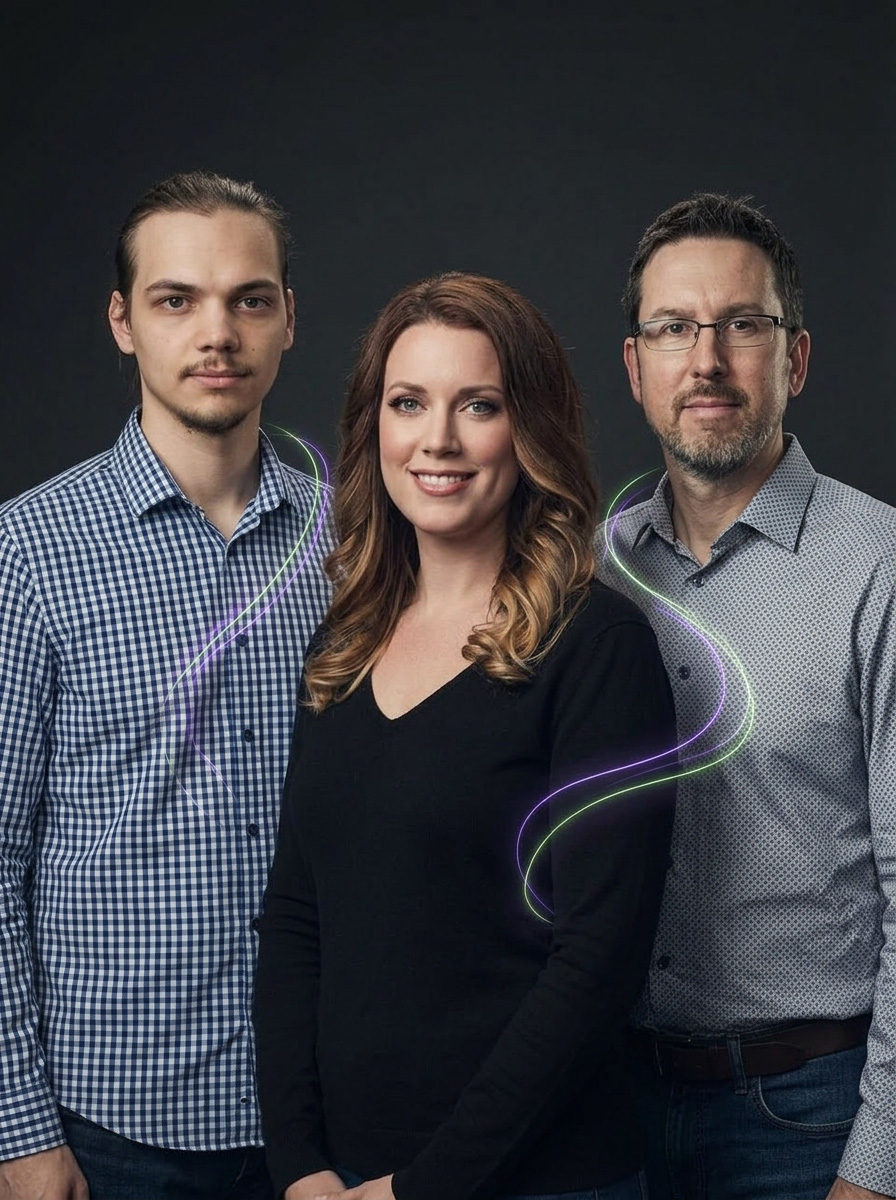
Adoption then sits at 12% and IT shrugs. The problem isn't the technology — it's the conservative CTO, the compliance committee, the EU AI Act and data that isn't ready.
This workshop simulates all of it in one day. You arrive as a team that doesn't know where to start. You leave with an AI Readiness Score, a prioritised backlog and a framework for Monday morning.
C-level and senior managers — you are responsible for the company's AI strategy and need structure from idea to deployment.
Digital transformation leads — you lead AI adoption and hit resistance from management, IT or compliance.
Department heads — you want to deploy AI in your team but don't know how to navigate the approval process.
AI Readiness Score — self-assessment of company maturity
Prioritised use-case backlog with business impact
"Cookbook" Framework — 4 pillars in line with the EU AI Act
Real obstacles: CTO, AI committee, Data Drift, PII incident




The EU AI Act isn't the future — it's here. And governance doesn't rest on technology, but on decisions that nobody has formally made yet.
This workshop works with your real use-cases from the first minute. You leave with a visual heatmap of weak spots, a prioritised AI radar and a personal 90-day plan — in language both the CIO and CFO will understand.
CIO and Head of AI — you are responsible for the organisation's AI portfolio and need a governance framework that holds up to the board, audit and regulator.
Data and Architecture leads — you're building AI infrastructure and face questions: who approves, who monitors, what if the agent fails?
Digital transformation leads — you run AI across different teams and need a unified framework, not chaos in Excel.
AI Gov heatmap — 4 layers, 15 blocks. Immediately see where things are on fire.
AI Radar — use-cases scored: impact × cost × risk
Life-cycle mapping of your TOP use-case
EU AI Act checklist — audit trail, guardrails, monitoring
Personal 30/60/90-day roadmap


.jpg)

In polished demo videos you never see the dead ends — you don't see decisions reconsidered on the fly or what happens when an agent fails in a way nobody expected.
This precon is a live coding session: Tomáš will build an enterprise AI application from scratch right there on stage. From a vague idea through specification, agent, company knowledge and tools all the way to a virtual colleague capable of working in a team. You'll come to watch, ask questions, suggest next steps and follow decisions and fixes in real time. And just like in a kitchen: sometimes things burn — and that's the most valuable part.
Architects & AI engineers — you want to see real architectural decisions in a production AI system, not a polished demo.
Developers & AI leads — you've been through pilots and want to know exactly what it takes for an agent to survive the journey from demo to production.
Technical managers — you need to understand the real complexity and decision points so you can properly estimate, brief and manage AI projects.
The full story from first prompt to production agent — seen in real time, not from slides
Real architectural decisions and dead ends that never make it into polished demo videos
Tech stack in context: agents, RAG, MCP, memory, evals, security — all on a live project
Answers to questions nobody has answered yet — Tomáš is available all day